Product & Design
I love designing products and user experiences. It's where all the brainstorming and theorizing finally becomes something someone can touch, feel, and use. It's also an exercise in psychology. You have to understand how people think, not just how your system works.
A clever idea doesn't mean much if using it is a pain in the ass.
I can lose hours to the smallest details. How a button responds. The rhythm of an animation. What a color makes you feel. Even the skeleton loader someone sees while they're waiting. Those details shape how a product feels long before someone can explain why they like it. That's the part I obsess over.
Below are two products from that work. bot0, an agent workspace originally designed for researchers. And cmd0, my favorite, a Chrome extension that brings browser automation and world-building together.
01 / Research workspace
bot0
bot0 began as a workspace for scientific research. Access to a powerful model was only one piece. Researchers also needed to work with their data, run experiments, and manage the compute underneath it all. We wanted to bring those pieces together so they could spend more time investigating a question and less time assembling the system.
Visit bot0.devLoading interface...
A clever idea doesn't mean much if using it is a pain in the ass.
I can lose hours to the smallest details. How a button responds. The rhythm of an animation. What a color makes you feel. Even the skeleton loader someone sees while they're waiting. Those details shape how a product feels long before someone can explain why they like it. That's the part I obsess over.
We later explored how the same foundation might serve hospitals and clinics. The workflows were different. Data ownership mattered, and different people needed different levels of control. It pushed us to think beyond a single researcher's workspace.
02 / Bytespace Chrome Extension
cmd0
We kept running into the same problem with browser automation. Scripts broke when websites changed. Early AI agents were flexible, but often unreliable and expensive to run. With cmd0, we took a different approach. Workflows followed defined steps, while AI helped people build them and repair broken selectors when a page changed.
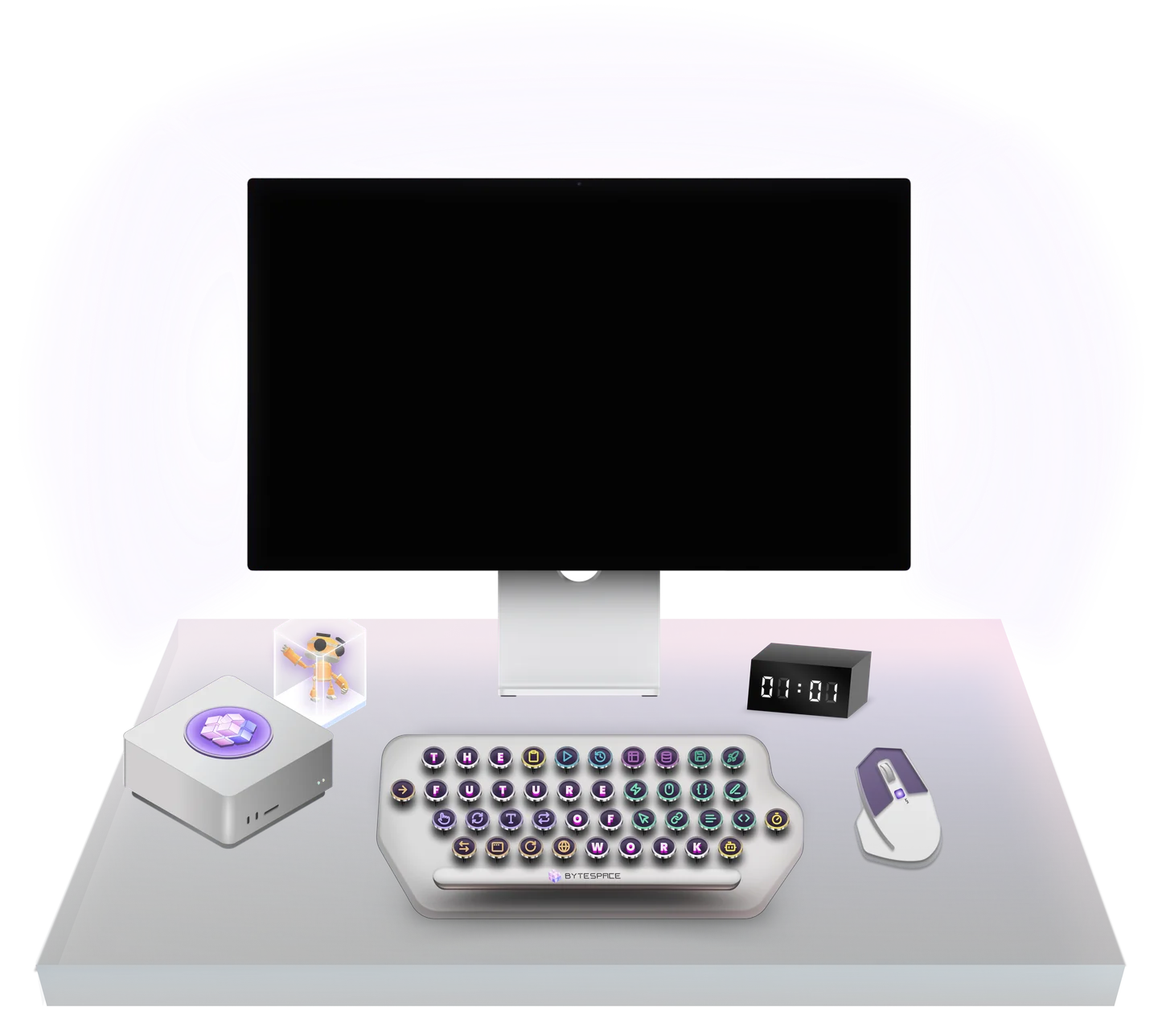
In motion
Giving the agents a world
We also wanted agents to feel less abstract. Giving them faces and personalities made them more approachable. Managing them borrowed from the familiar experience of managing a team, while the visual world borrowed from games. We wanted building automations to feel playful, not just technical.
The marketplace
Original interface & artwork / Illustrative listings, sample workflow & outputs / No live runs
Builder nodes
- Click
- Get text
- Type
- Scroll
- Attribute value
- Upload file
- Hover
- Save assets
- Press key
- Create element
- Take screenshot
- Download file
- Export data
- Get tab url
- JavaScript
- AI text generation
- Extract data
- Image generation
- Sentiment analysis
- Visual analysis
- Insert data
- Delete data
- Slice variable
- Increase variable
- Regex variable
- Sort data
- Conditions
- Loop data
- Loop elements
- Count elements
- Repeat task
- Loop breakpoint
- New tab
- Switch tab
- Go back
- Go forward
- Clipboard
- Reload tab
- Close tab
- Delay
Inside the product
Workspaces
The agents
Workflow analytics
Execution results
Execution
Triggers
Sign in
Scheduling
Context
Interactive archive / Sample data, no connected accounts or live runs.
Early cmd0
Beyond the interface
Presentations & design archive
2025 archive / Historical plans and figures